About Memory Match
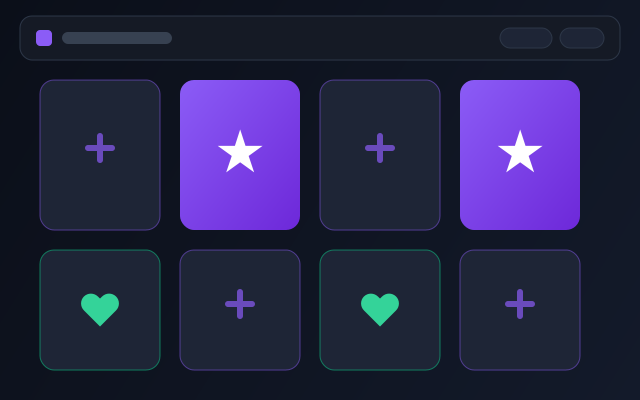
Memory Match is a card-pairing game that tests short-term memory and focus. You flip two cards at a time and try to remember their positions. When two cards match, they stay open. When all pairs are found, the round ends.
The game is easy to learn and works well for a quick practice session. It is suitable for players who want a simple memory exercise without complicated controls or long levels.
How to Play
1
Press Start to begin the round.
2
Tap or click two cards to flip them.
3
If the two cards match, they stay open.
4
Clear all pairs to finish. Fewer moves can earn more stars.
Scoring and Stars
Your result is based on how cleanly you finish the board. Fewer moves and a good time can give a better result. When you finish the game, you can earn stars based on your performance.
Hints cost one star and briefly reveal a matching pair. They are optional and should be used only when you are stuck. Your best result and stars are saved locally in your browser.
Controls
Mouse click: flip card
Touch tap: flip card
Tab + Enter: select card
R: restart
H: hint
Game Tips
Start with the corner cards. They are easier to remember.
Focus on one pair at a time instead of flipping quickly.
If you see a card that does not match, remember its position for later.
Slow down on the first few moves. A good start saves moves later.
Use the hint only when you are stuck. Hints cost one star.
Skills Trained
Memory
Focus
Patience
Pattern Recognition
Game Preview
Game Details
| Game |
Memory Match |
| Skill |
Memory and focus |
| Difficulty |
Easy |
| Input |
Mouse, touch, keyboard |
| Platform |
Browser |
| Session |
2 to 5 minutes |
| Added |
July 9, 2026 |
| Last Updated |
August 6, 2026 |
Related Games
Related Guides
Memory Match Questions
How do stars work in Memory Match?
You earn stars by finishing the game. Better results, such as fewer moves, can earn more stars.
Do hints cost stars?
Yes. A hint costs one star. Hints are optional and can help when you are stuck.
Is my progress saved?
Your best result and stars are saved locally in your browser. Clearing browser data may remove them.